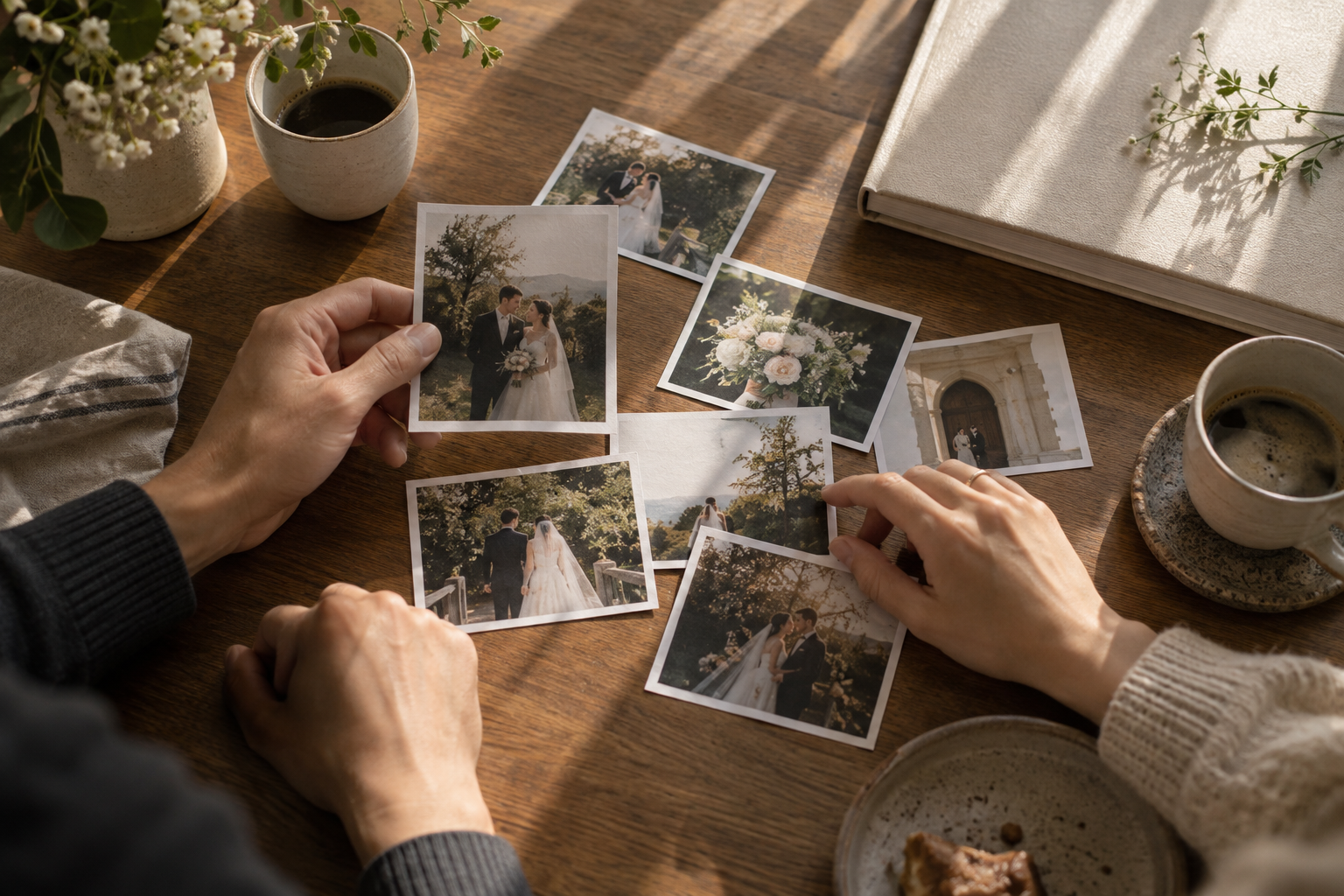
You open the gallery to choose an album. Forty minutes later, you are comparing two nearly identical smiles and have forgotten which one you liked. This is a photo selection problem, not evidence that you have lost the ability to make decisions.
Your gallery, album allowance and photographer’s deadline matter more than somebody else’s impressive stopwatch. The trick is to give each pass through the photographs a different job.
Before the first favorite
Ask your photographer how many images to select, what the album allowance actually measures, and how selections should be delivered. Album pages, spreads and photographs are different units. Also ask whether you will approve a layout later. Keep the original filenames so your list points to the right files.
Pass one: remove clear non-candidates
Look for images you definitely do not want to use. Do not attempt to crown the best photograph in the entire wedding yet. Closed eyes or motion are not automatic failures: a laughing moment may be exactly the image you want. Leave uncertain photographs undecided.
If you want a time budget, try a small sample from your own gallery first. Timing 100 images gives you a starting point for planning, but close comparisons and conversations will add time. Treat the estimate as a calendar aid, not a performance review.
Pass two: compare within a scene
Compare similar frames together rather than asking a portrait to compete with the ceremony venue. Check expressions, hands, important details and the intended crop. Adobe Lightroom Classic provides Compare for two images and Survey for multiple images; another viewer with a useful side-by-side view can serve the same purpose. The useful idea is comparison, not a mandatory software purchase.
Pass three: check what the album is missing
You may have chosen twelve lovely portraits and accidentally omitted an important family member. Review the shortlist by the roles you want it to cover: people, events, details or places. There is no required ratio. A small portrait album and a chronological wedding album have different jobs.
Finish by checking duplicate filenames, the allowed count, and the submission method. If your photographer’s gallery already supports favorites and notes, you may not need another tool. For example, Pixieset supports favorite lists and, when enabled, notes on selected images.
PicSelec is an option when you want a shared selection session. It helps organize decisions; it does not book retouching with your photographer. Export and submit your decisions using the agreed process. The final “send” is worth checking before celebrating with cake. Cake is still encouraged.
Sources and further reading:
Adobe — comparison views:
https://helpx.adobe.com/au/lightroom-classic/desktop/viewing-photos/browse-compare-photos.html
Pixieset — favorite lists and proofing:
https://website-help.pixieset.com/en/articles/4064071-using-favorite-lists-for-client-proofing
PicSelec guide: https://picselec.com/how-to-use
Comments 0
No comments yet.
Log in to comment.